 한국어
한국어
 Azərbaycan
 Čeština
 English
 Español
 Français
 Ελληνικά
 हिन्दी
 Indonesia
 Italiano
 Português
 Русский (др. страны)
 Русский (Россия)
 Türkçe
 Українська
 العربية
 简体中文
简体中文
 繁體中文
繁體中文
 日本語
日本語
 Қазақ
Қазақ
You can maintain access to paid features and your NumCy balance when changing your phone number. The transfer process depends on which store or service was used for payment. Using a single subscription on multiple accounts simultaneously is not possible.
How to Transfer a Subscription or Purchase
You can maintain access to paid features and NumCy currency when changing your phone number. You do not need to delete the app for this.
- Open the Settings menu in NumBuster
- Tap Log out
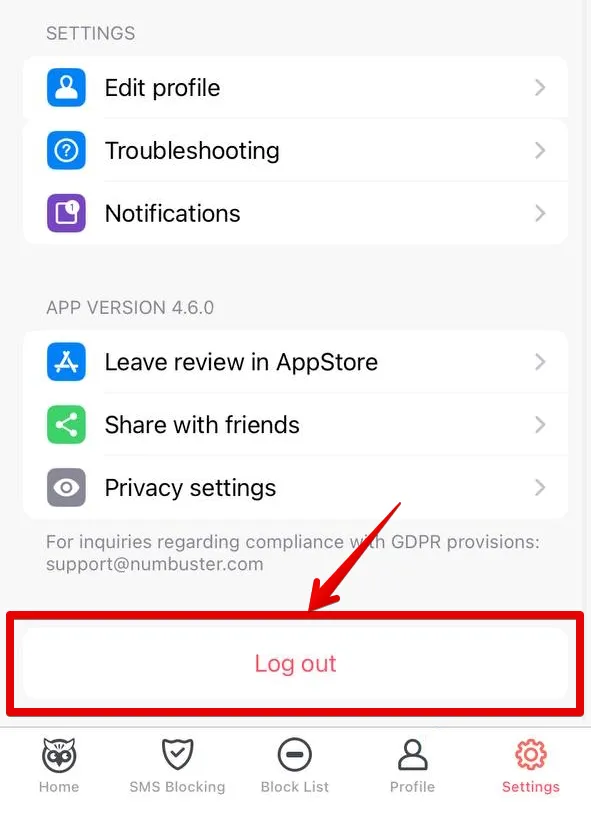
- Authorize in the form that appears
Note: When authorizing via a messenger, make sure the new phone number is already active in that messenger beforehand.
To transfer NumCy and paid features, please contact technical support. Provide your old and new phone numbers, as well as your exact coin balance.
Transfer Details Based on Purchase Location
Google Play: Purchases in the Google Play store are linked to your @gmail address. This account must be the primary one in the settings of the device where the app is installed.
AppGallery: Purchases in the AppGallery store are linked to your account. Make sure you are logged into the corresponding account on your device.
WEB Dashboard: Before changing your phone number on the website, you must first disable auto-renewal for the active service.
- Tap Paid Features (the wallet icon).
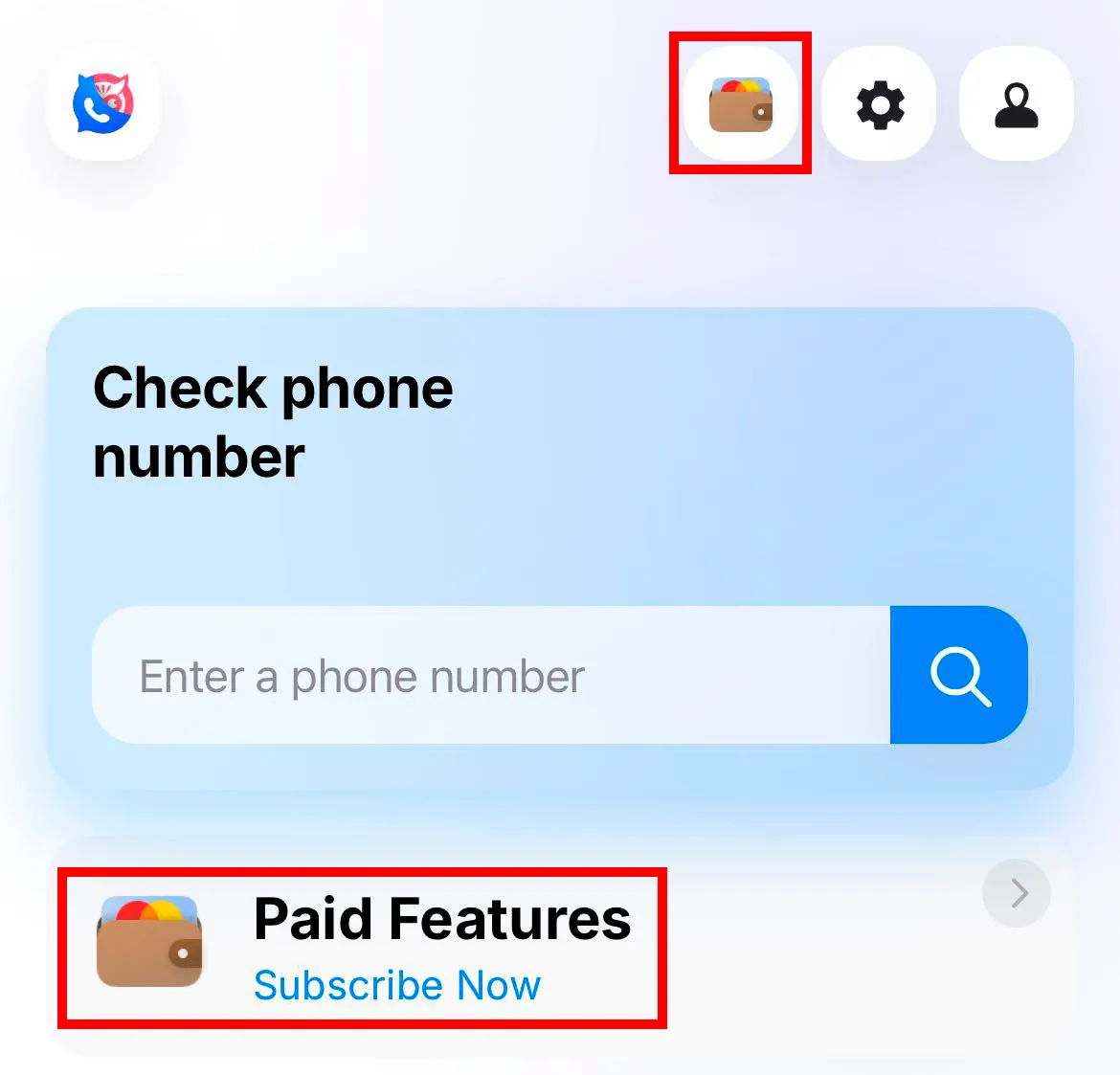
- Find the active service and tap Disable renewal.
- After this, notify technical support about the cancellation so we can transfer the purchase.
- Attach the payment receipt sent by the payment service to your email address to your message.
 기능
기능


 Tariffs
 도움말
도움말