 Indonesia
 Azərbaycan
 English
 हिन्दी
 Русский (др. страны)
 Русский (Россия)
 Türkçe
 العربية
 简体中文
简体中文
 繁體中文
繁體中文
 日本語
日本語
 한국어
한국어
 Қазақ
Қазақ
Customize your phone number page to make your contact recognizable to other NumBuster users. Adding a primary name and description prevents your number from appearing as “unknown”. This builds trust and helps people instantly understand who is calling and why.
How to Change Your Name and Add a Description
- Open the NumBuster app and go to the Profile tab
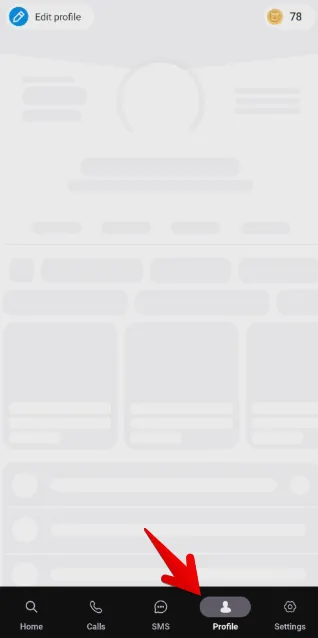
- Tap Edit Profile in the top-left corner
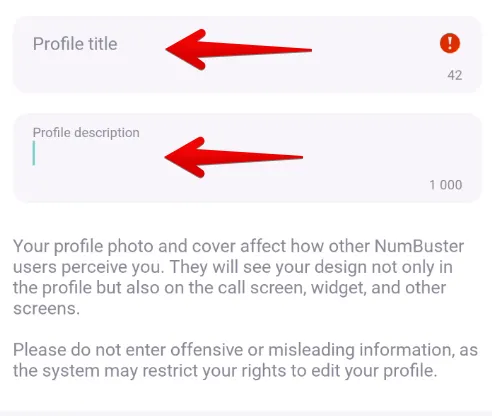
- Enter a new name in the Name field
- You can provide additional information about yourself in the Description field
- Tap Save
Important! Names and descriptions must comply with language rules and norms. Content that violates these guidelines may be removed.
 Fungsi


 Tariffs
 Bantuan