 हिन्दी
 Azərbaycan
 English
 Indonesia
 Русский (др. страны)
 Русский (Россия)
 Türkçe
 العربية
 简体中文
简体中文
 繁體中文
繁體中文
 日本語
日本語
 한국어
한국어
 Қазақ
Қазақ
If you experience issues with in-app payments, you can purchase paid features and NumCy currency via your Personal Account on the official website.
Authorization
- Open any browser and go to https://app.numbuster.com
- Log in via messenger using the phone number you want to link to your paid features
- Once confirmed, return to your browser window without reopening the app
Note: make sure you are logged in with the same phone number used in the NumBuster app.
Subscription Payment
- Tap Paid Features (the wallet icon)
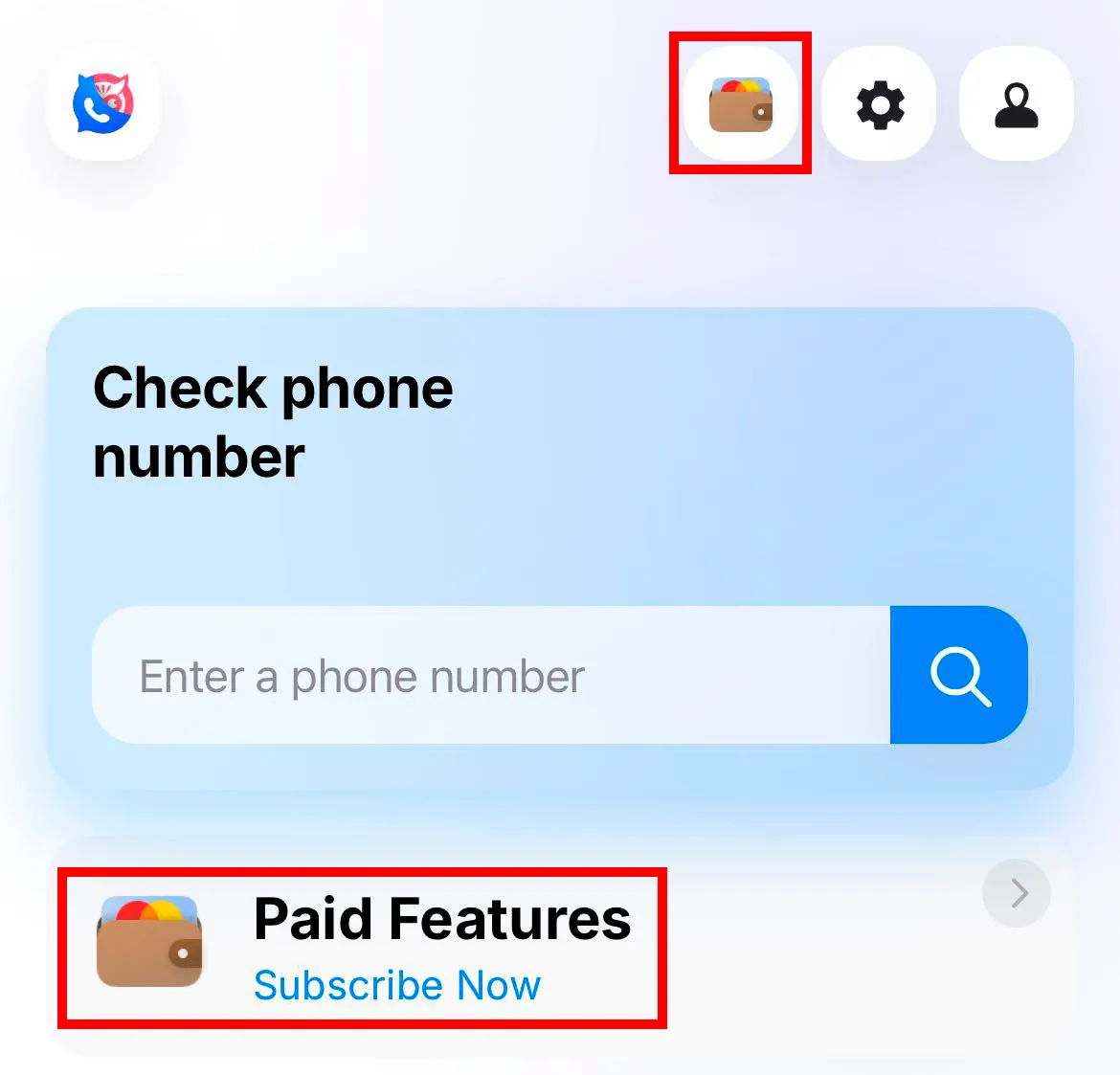
- Select a subscription period and check the box to agree to the terms of use
- Choose a convenient payment service and complete your purchase with a bank card
Purchasing NumCy In-App Currency
- In the Paid Features section, tap the coin icon in the top-left corner
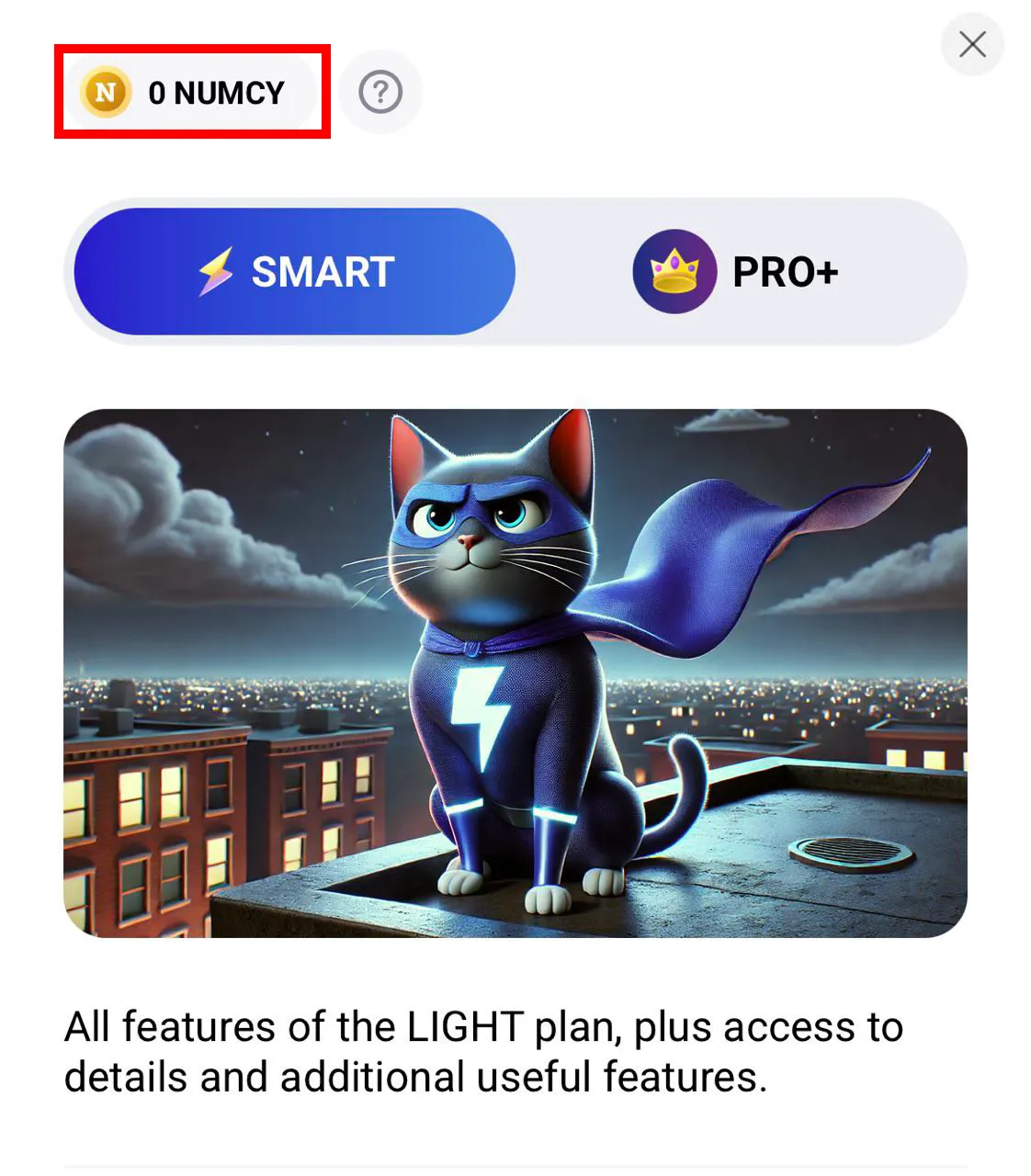
- Select the required number of coins
- Complete the purchase using a convenient payment method
 फंक्शंस


 Tariffs
 सहायता